VITURE
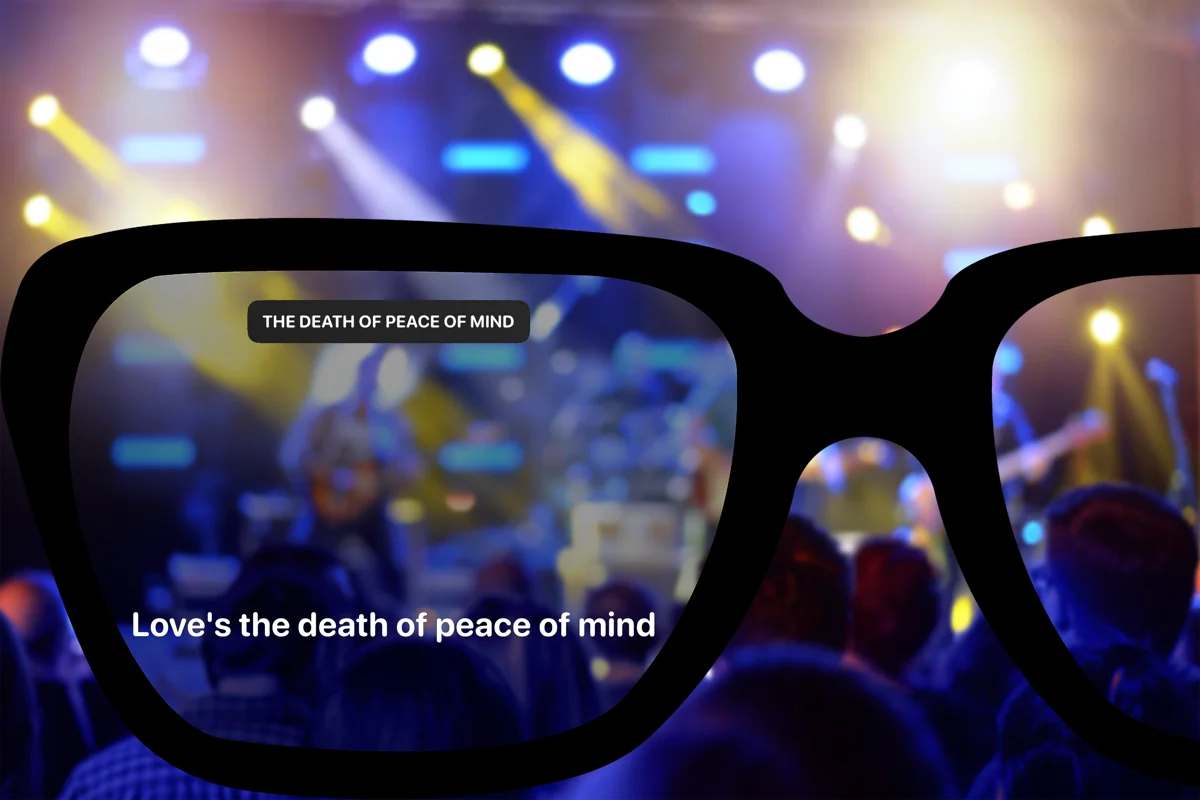
Lyrics on VITURE.
Start with the connection.
Beyond Chorus can send its lyric view to compatible USB-C display glasses. Check your VITURE model, phone and cable before relying on this setup.
models
Pro, Luma, Beast and One: which cable?
All rows below require a phone with USB-C DisplayPort video output and Beyond Chorus Pro. These are manufacturer connection specifications, not completed Beyond Chorus hardware tests.
VITURE’s current Pro 2 phone guidance excludes iPhone 16e and iPhone Air from direct USB-C video compatibility. On Android, verify DisplayPort output for the exact phone; a USB-C port is not sufficient.
setup
Three checks before listening
01
Check your phone’s video output
The phone must output DisplayPort video over USB-C. A USB-C charging port alone is not enough. Check the manufacturer’s compatibility list for your exact phone before buying glasses or adapters.
02
Connect the glasses with their video cable
Use the cable supplied for your VITURE model. Some models use VITURE’s magnetic glasses connector; others use USB-C at both ends. A charge-only cable will not carry the lyric view.
03
Open Beyond Chorus with Pro
USB-C glasses projection requires Beyond Chorus Pro. Once the phone detects an external display, start a song, choose a concert setlist song or join LiveSync. The phone keeps the controls while the glasses show lyrics.
limits
An external lyric display
Your phone runs Beyond Chorus and controls timing. The glasses display its lyric view. LiveSync follows operator-driven lyric timing; live operator effects are not promised here. This route does not add a VITURE SDK or SpaceWalker integration, and does not promise spatial anchoring or head tracking.
Use manual concert setlists or LiveSync at shows. Keep a network connection for lyrics fetching and LiveSync. Physical phone-and-glasses validation remains necessary; simulator and browser tests cannot establish real-world reliability.
questions
VITURE questions
- Does Beyond Chorus work with VITURE glasses?
- Beyond Chorus has a generic USB-C external-display path for compatible VITURE setups on iPhone and Android. It is conditional on phone video output, the model’s display connection and a video-capable cable. We have not completed physical validation for each VITURE model.
- Which VITURE models should I check?
- Pro 2, Pro, One, One Lite, Luma, Luma Pro, Luma Ultra and Beast are listed here by connection family. Manufacturer specifications establish the display connection; they do not certify Beyond Chorus on each model.
- Does a USB-C iPhone always work?
- No. VITURE’s current Pro 2 guide excludes iPhone 16e and iPhone Air from direct USB-C video output compatibility. Check your exact phone and current manufacturer guidance. Lightning iPhones do not connect directly over USB-C; adapter paths are not validated here.
- Does Beyond Chorus integrate SpaceWalker or head tracking?
- No. This guide covers the lyric view on an external display. It does not promise SpaceWalker integration, a dedicated VITURE SDK, 3DoF or 6DoF positioning, hand tracking or multiple spatial screens.
- Can I use VITURE at a live concert?
- Choose the song from a concert setlist and adjust timing yourself, or join a LiveSync show controlled by its operator. The phone drives the lyrics. Loud crowd audio can make automatic song recognition unreliable.
- Can I use the display without internet?
- The USB-C display connection itself does not require Wi-Fi. Fetching lyrics and joining LiveSync do require a network connection. Connecting glasses does not make these services work offline.