
Follow the lyrics
on your phone.
Use the iPhone or Android you already own. No glasses needed.
Read with your camera off. The camera view is optional.
Free to read on your phone.
See how it works at a gig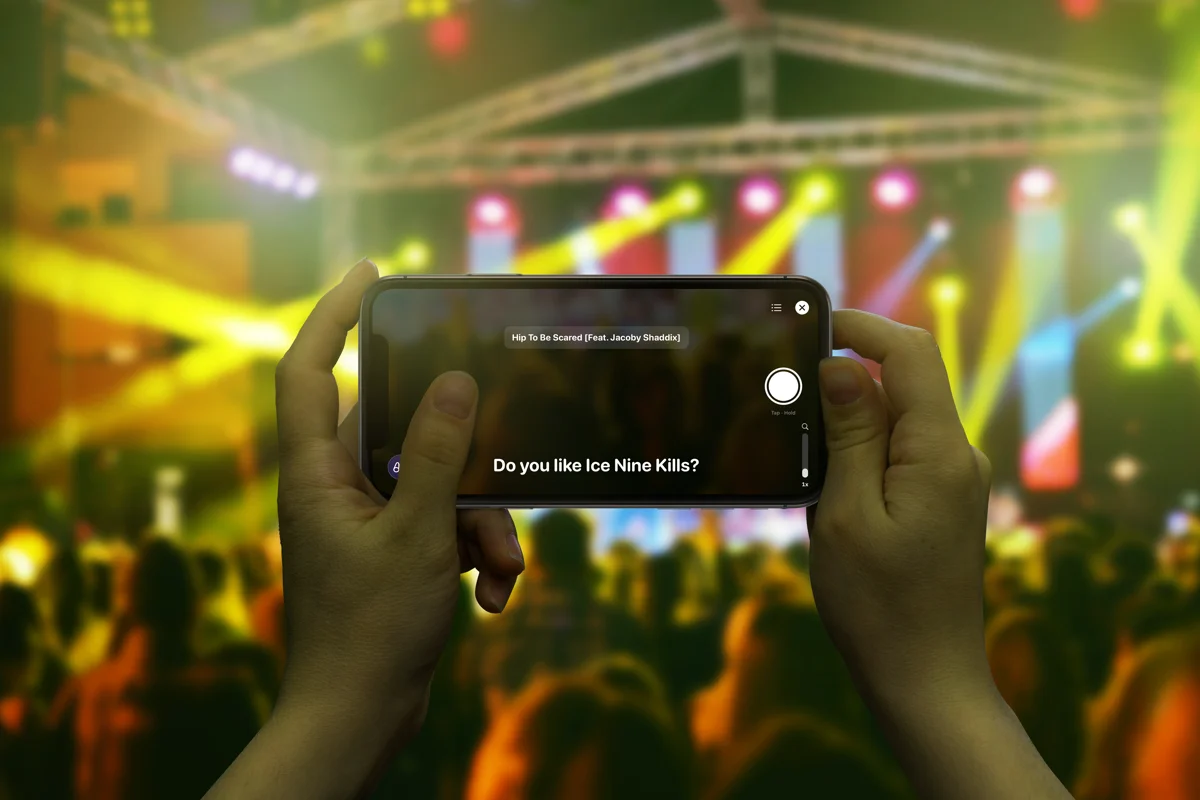
Choose the song in the app.
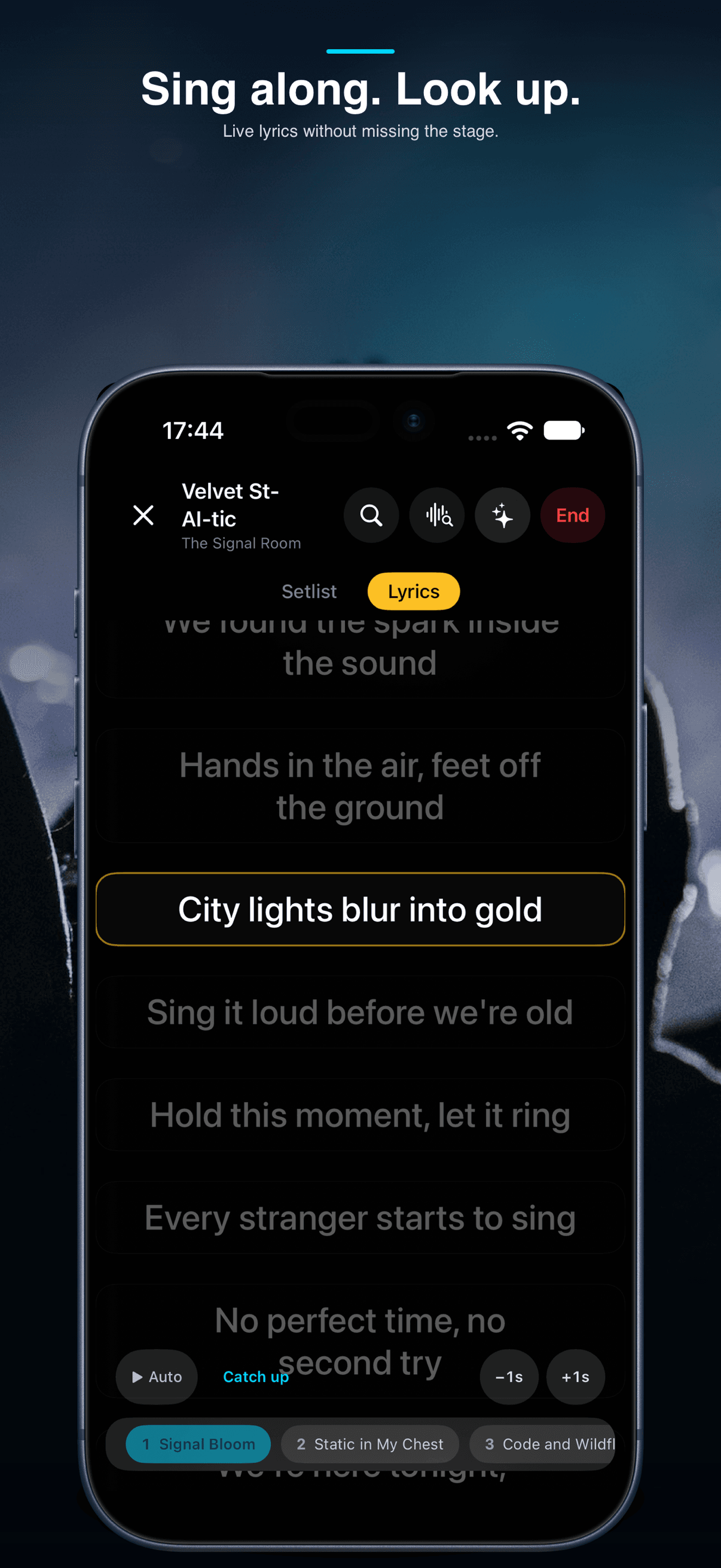
Open the setlist, tap the song the band is playing, and follow the lyrics. You control the timing, so you can keep up when the live version changes pace.
- 01
Find your artist
In the app, choose a nearby show or search for the artist. Open the setlist before you go to see which songs are available.
- 02
Pick the song you hear
Tap the song the band is playing. If they change the order, choose the next song yourself.
- 03
Adjust the timing
Use the timing controls to move the lyrics back or forward. You can adjust again if the band speeds up or slows down.
Going with friends?
One friend picks the song. Everyone follows on their own phone.
Groups are free. Only the person leading the group needs to sign in.
- Start a group. Open the setlist and tap Start a group.
- Invite your friends. Share the link or group code. Friends can also find the group nearby. If they need the app, the link takes them to the store first.
- Choose the next song. Your friends follow your picks. Anyone can leave and choose songs themselves.
At a LiveSync show, the crew keeps time.
If your show offers a LiveSync link, open it to follow the lyrics and effects cued by the crew. At other shows, use the setlist and timing controls in the app.
Running the show? Open Beyond Chorus FOHCheck your setlist before the gig.
Can’t find the show? Search for the artist in the app. Check the available songs and lyrics before you head to the venue.
You can follow on your phone at any show with a setlist and available lyrics. Your venue does not need to run LiveSync.
Try it on your phone before the show.
Concert lyrics are free on iPhone and Android.
Performing your own songs? Create your own setlist.