
New: phoneless Tesla mode is here · Pro
Sweet dreams are made of cheese, or are they?
Time-synced lyrics on CarPlay & Tesla, at the concert, and on your glasses. For the verses you never quite learned.
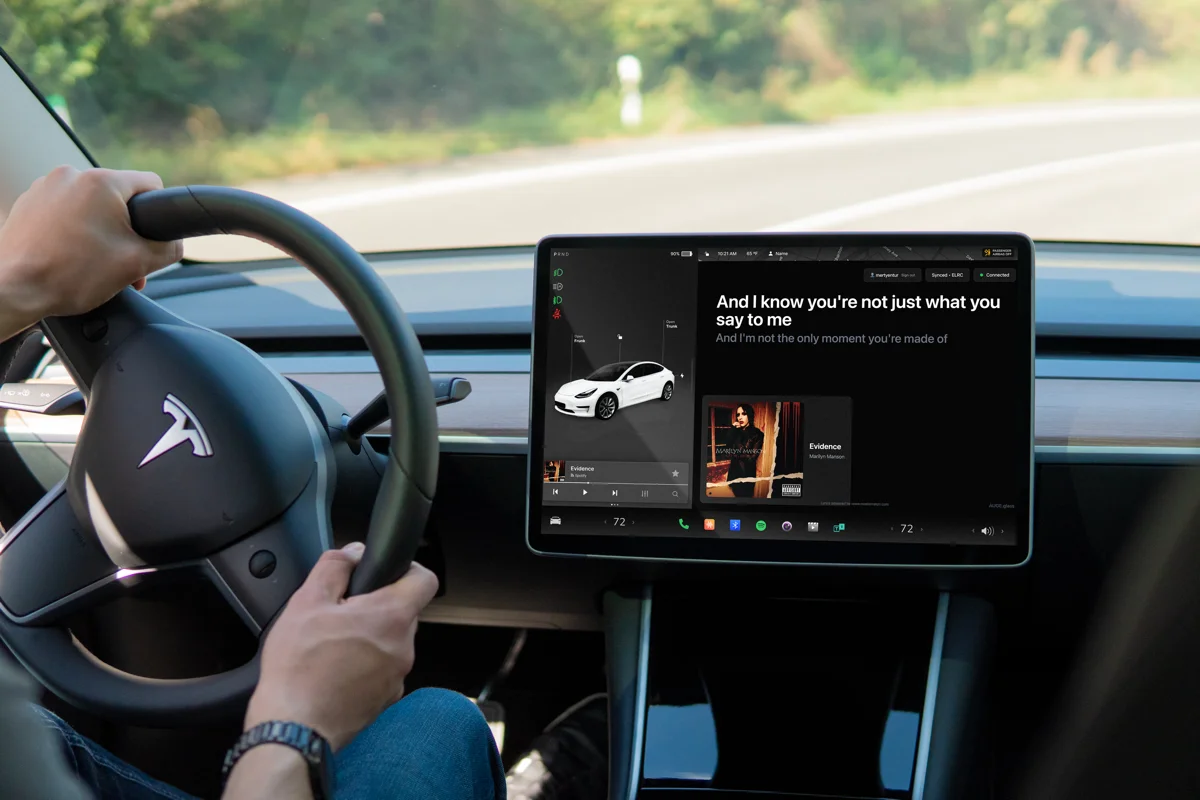
Tesla lyrics. Now without phone listening.
Connect once with the iPhone app or Android app. Phoneless Tesla mode is included with Pro. Tesla lyrics via your phone stay free. For passengers or a parked car.
See Tesla setupSee CarPlay setupSweet dreams are made of this
Everybody’s looking for something
Sweet Dreams
NEW · BEYOND CHORUS PRO
Phoneless Tesla mode is here.
Your Tesla knows the song. Now you know the words.
Connect once with Beyond Chorus on your phone. Then lyrics follow the music playing in your Tesla, straight on its screen. No phone microphone. No app left running.
iPhone or Android required for initial setup. Included with Beyond Chorus Pro. For passengers or a parked car.
Tesla lyrics with your phone are still free. Pro adds the new phoneless option.
Explore phoneless Tesla Phone-paired car lyrics stay free- 01 / CONNECTLink Tesla in the phone app.
- 02 / CONFIRMMatch the code on your car.
- 03 / PLAYLet the car bring the lyrics.
See it in action
From the first chord
to every word
See how Beyond Chorus recognises a song and shows the lyrics in this 25-second demo.
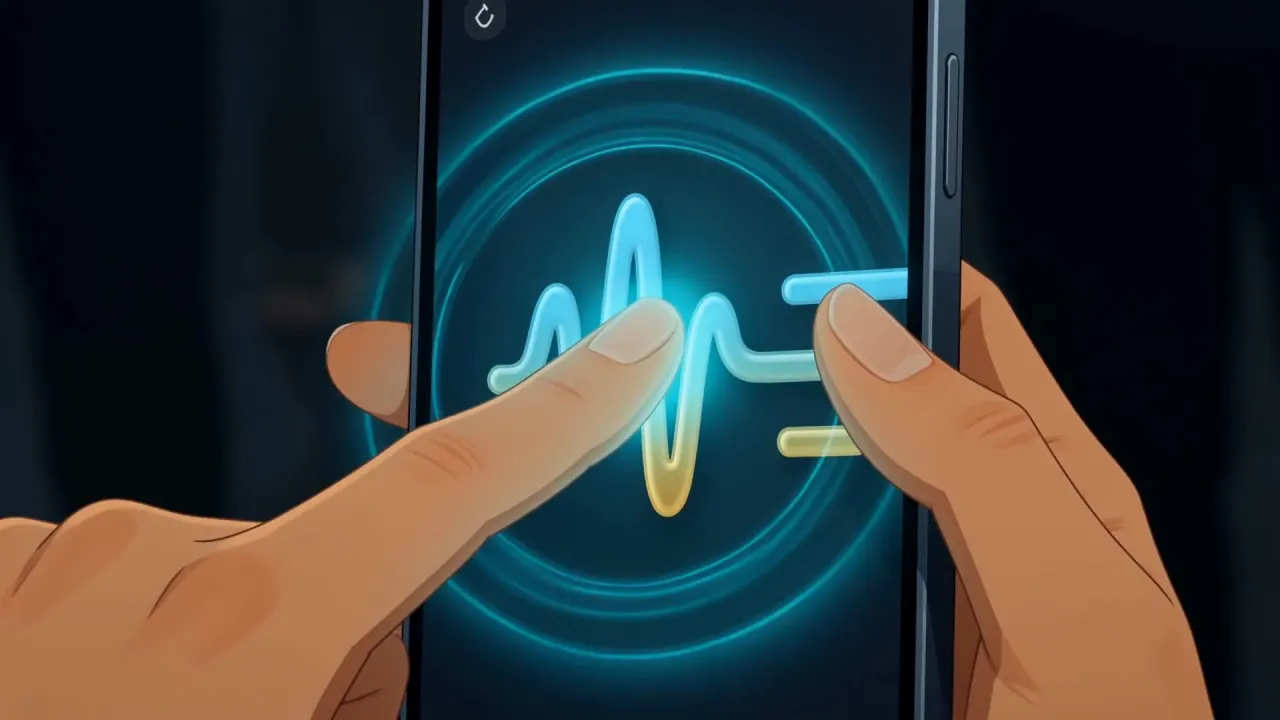
00:25 · sound on
LiveSync
Cue the lyrics. The audience follows along.
Control the lyrics and effects from a browser. Fans open the show link on their phones and follow your cues.
Beyond Chorus Drive
Lyrics for the passenger seat.
Open car-lyric.com on the car screen and pair it with the app on your phone.
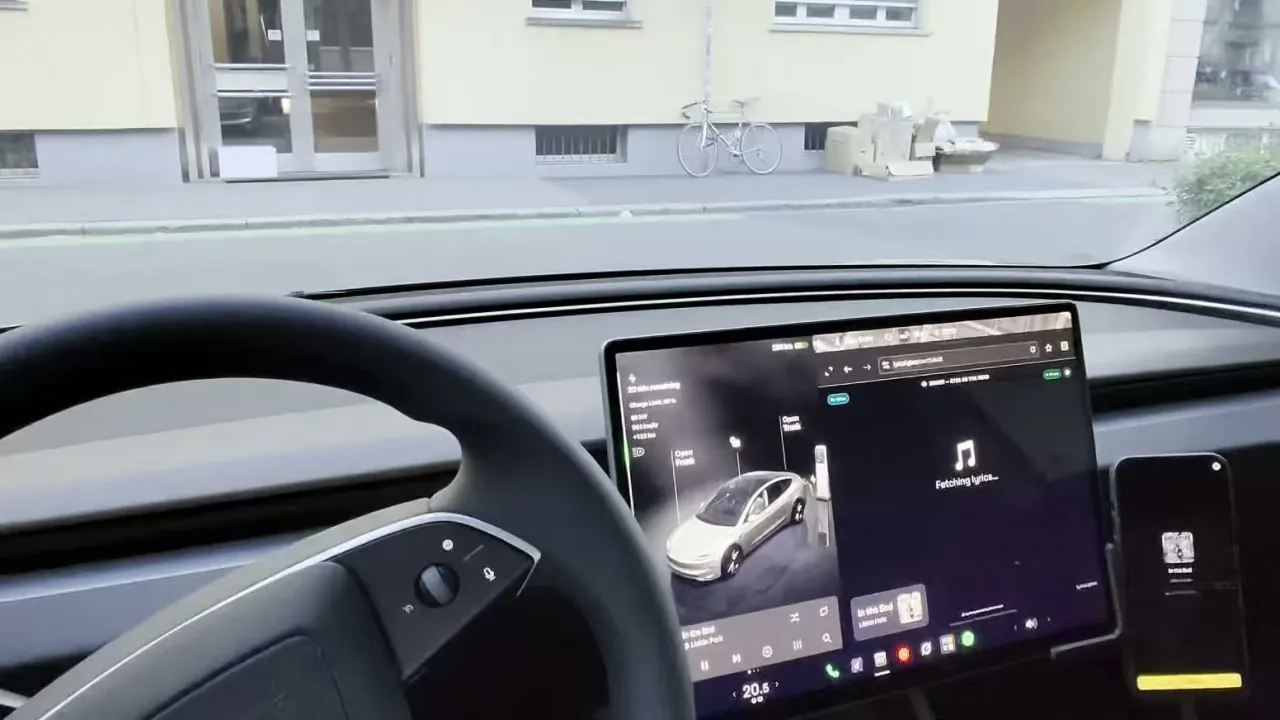
Pair the phone
Open car-lyric.com in the car browser, then connect from Drive in the phone app.
Play the song
Your phone recognises the song and finds the lyrics.
Follow the current line
Read each line on the car screen as it is sung.
Keep your phone connected. Support for using the car display without a phone is still in development.
Accessibility
Follow the words at a live show.
Deaf and hard-of-hearing fans can read lyrics on a phone or supported glasses. At LiveSync shows, the crew keeps the lines in time with the performance.
Read on your phone
Open the concert setlist, choose the song, and keep the current line clear.
Keep watching the stage
Supported glasses place the current lyric in your line of sight.
Follow the crew
When a show uses LiveSync, the operator advances the lyrics for everyone.
FAQ
Frequently asked questions.
Contact